
This guide helps you set up Tattoo Booking Pro for the first time and understand the basic booking workflow.
Initial setup steps
Before accepting bookings, make sure you complete the basic configuration.
Most studios can finish this setup in just a few minutes.
- Install and activate Tattoo Booking Pro
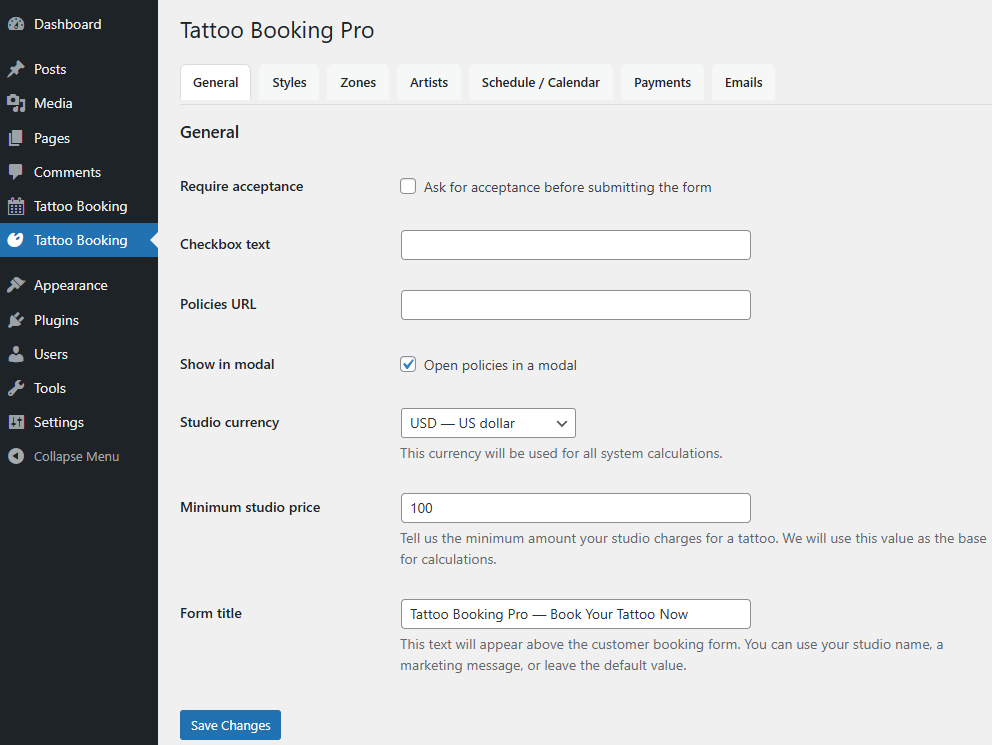
- Review the General Settings
- Configure your tattoo styles and zones
- Add your tattoo artist profile
- Set your availability and schedule
Tips
- Start with default settings and adjust later
- Use clear style names for better client understanding
- Test the booking form before sharing it with clients
Common mistakes
- Skipping the General Settings configuration
- Forgetting to set artist availability
- Sharing the booking form before testing it