
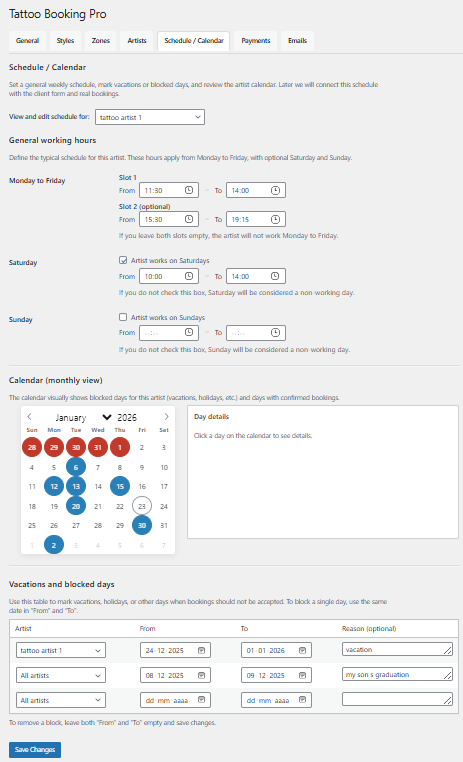
The schedule and calendar allow you to control availability, manage bookings, and visualize your tattoo studio workload.
Managing availability and bookings
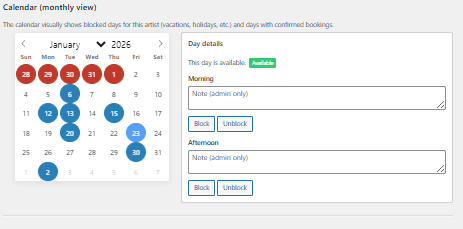
The calendar shows booked sessions, blocked days, and available time slots using a visual color-coded system.
Each artist’s schedule is managed independently.
- View bookings by artist and date
- Block days for vacations or time off
- Prevent double bookings automatically
- Visual indicators for booked and available days
Tips
- Block unavailable days in advance
- Review the calendar daily to stay organized
- Use the visual indicators to avoid overbooking
Common mistakes
- Not blocking days off in advance
- Overlapping availability between artists
- Ignoring calendar updates after changes