
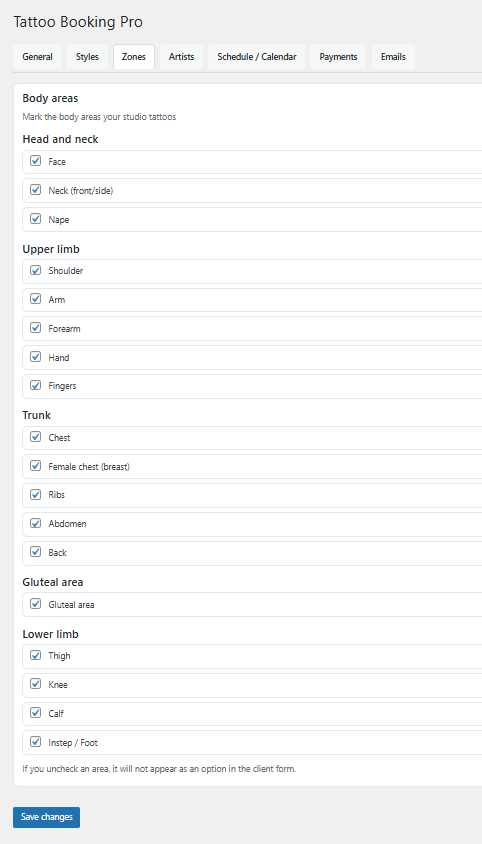
Zones define the areas of the body where tattoos can be placed.
They help calculate pricing more accurately based on size and location.
Configuring tattoo zones
Each zone represents a body area and can be linked to different pricing rules.
Zones work together with styles and size selection to generate accurate tattoo quotes.
- Create and edit body zones
- Enable or disable zones
- Assign size ranges per zone
- Control which zones appear in the booking form
Tips
- Use clear and commonly understood body area names
- Group similar areas with consistent pricing logic
- Disable zones that you do not offer
Common mistakes
- Creating overlapping zones
- Using unclear zone names
- Forgetting to test pricing after changes